Cron jobs,
finally under control
A lightweight, self-hosted job scheduler with a modern web UI. Create schedules visually, monitor runs, and get notified when things go wrong.


A lightweight, self-hosted job scheduler with a modern web UI. Create schedules visually, monitor runs, and get notified when things go wrong.
In action
Features
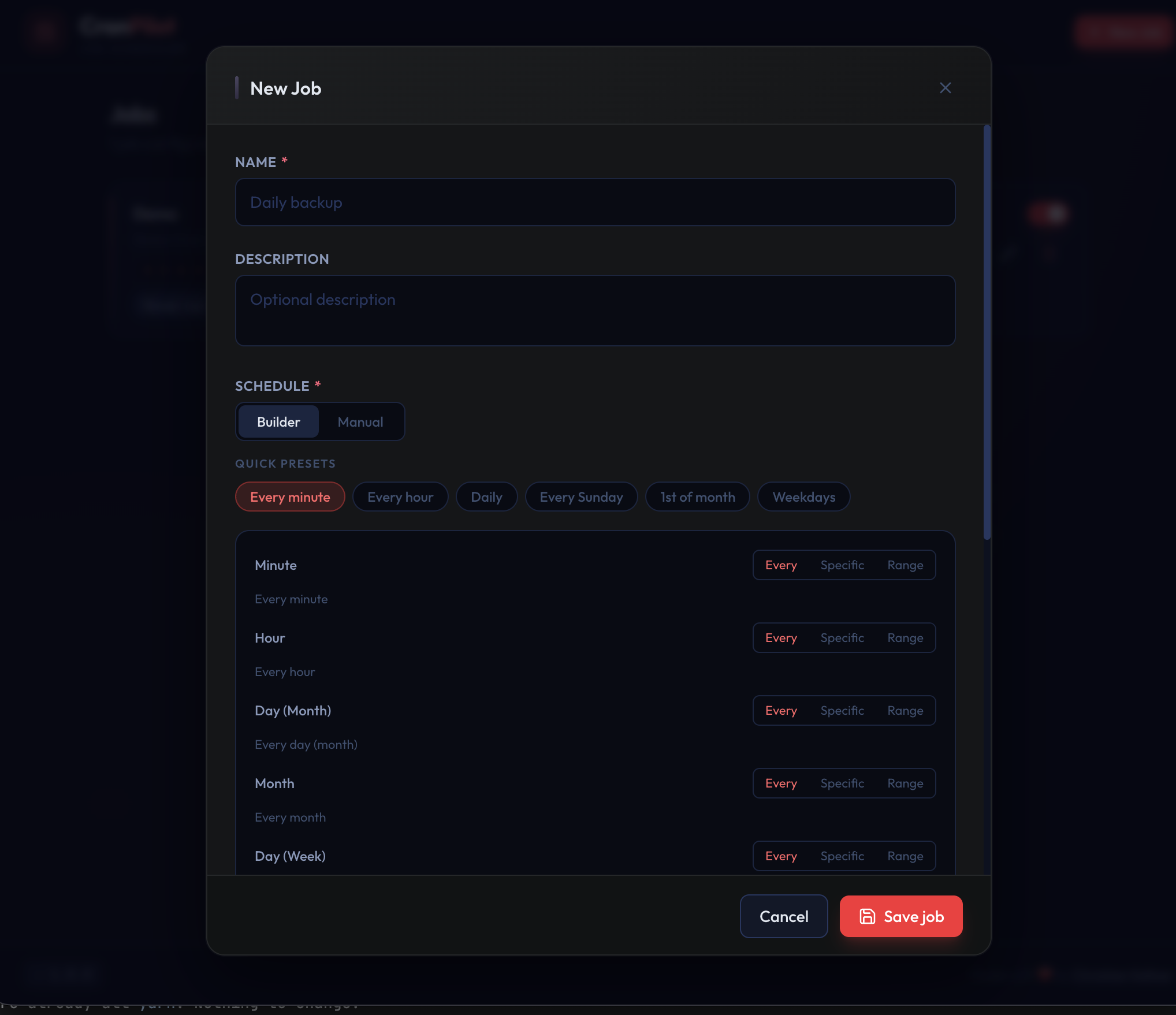
Pick presets like "Every hour" or use the granular builder. Switch to raw cron expression input at any time.
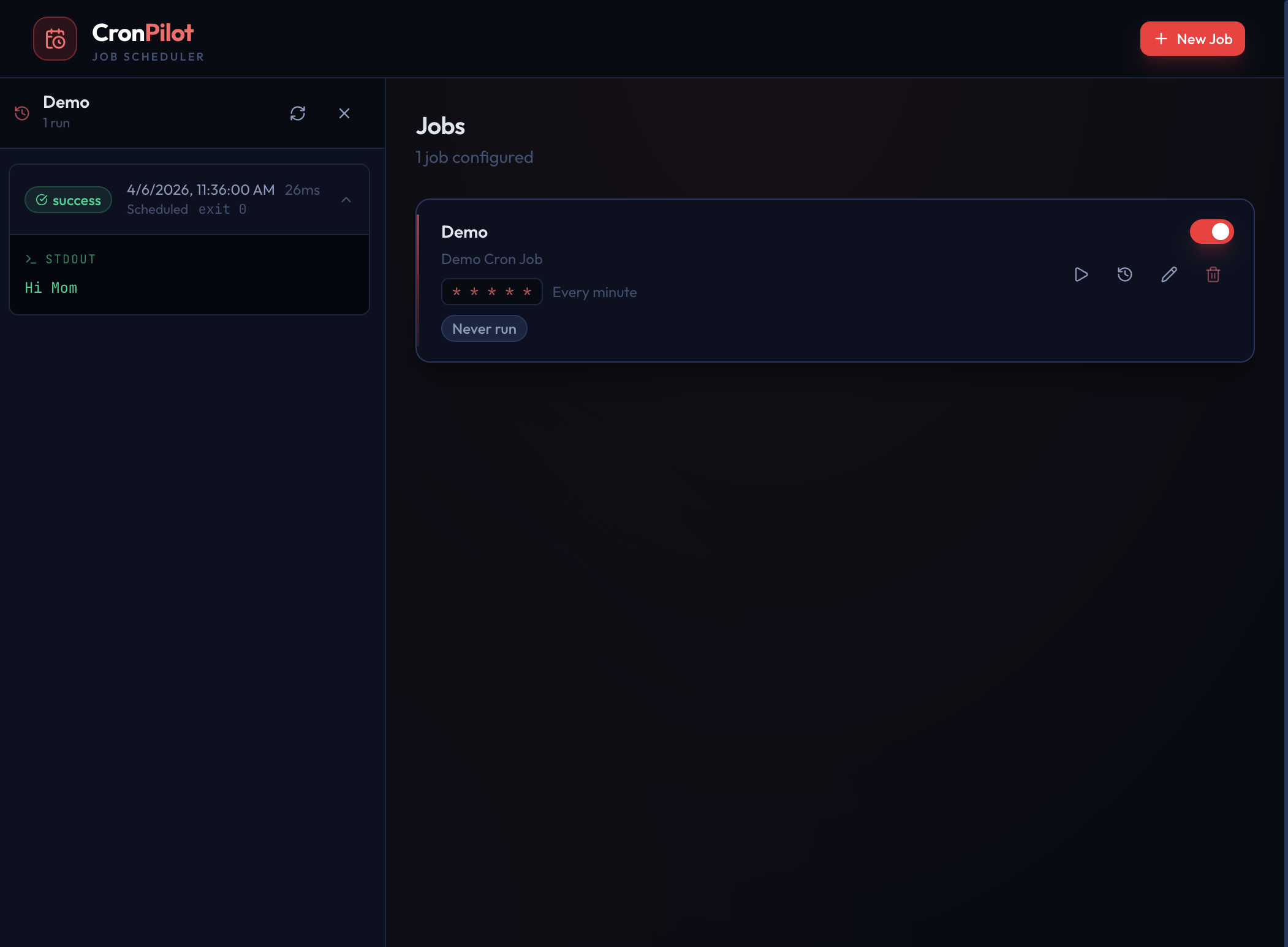
Every execution is logged with stdout, stderr, exit code, and duration. Know exactly what happened and when.
Integrate with ntfy to get notified on failures, on every run, or both. Self-hosted or the public instance.
Fire any job on demand with one click. No need to wait for the next scheduled run.
Backed by SQLite: no Postgres, no Redis, no cloud services. One container, one volume, done.
The interface adapts to any screen size so you can check on your jobs from your phone.
Installation
Or with Docker Compose: copy
docker-compose.yml
from the repo and run:
Open http://localhost:3001 in your browser.
Configure via a
.env
file:
| Variable | Default | Description |
|---|---|---|
| PORT | 3001 |
HTTP server port |
| DB_PATH | ./cronpilot.db |
SQLite database path |
| EXEC_TIMEOUT_MS | 1800000 |
Max job runtime (30 min) |
| KEEP_MAX_FOR_HISTORY | 5 |
Run history entries per job |
| LOG_LEVEL | info |
error · warn · info · debug |